3D Files Explorer scans, displays, and manages all your STL, 3MF, OBJ, and STEP files in one place – with real 3D thumbnails, a lightning-fast cache, and a built-in 3D viewer.
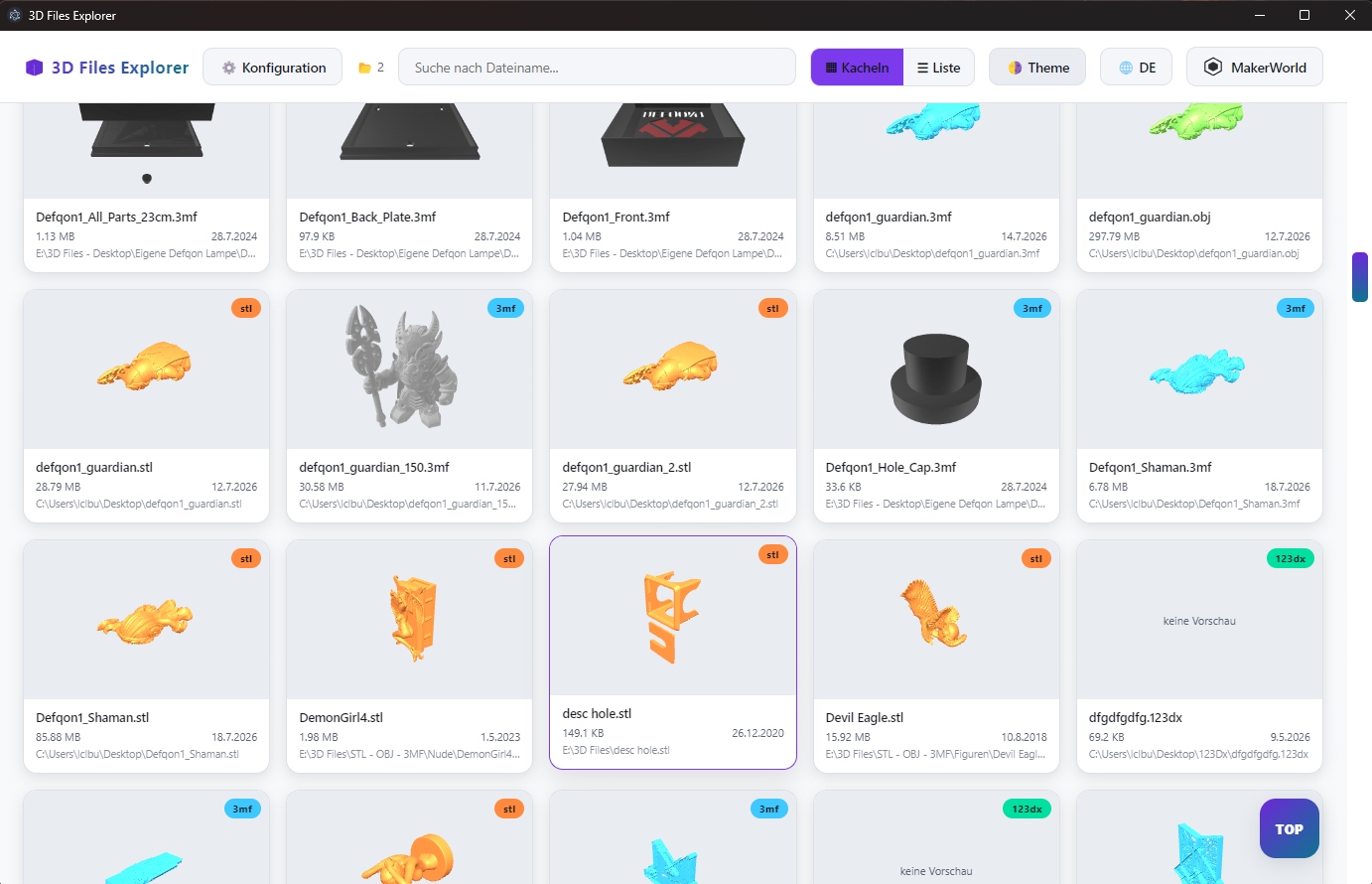
Built for makers, 3D printing enthusiasts, and anyone who wants to stay on top of large model collections.
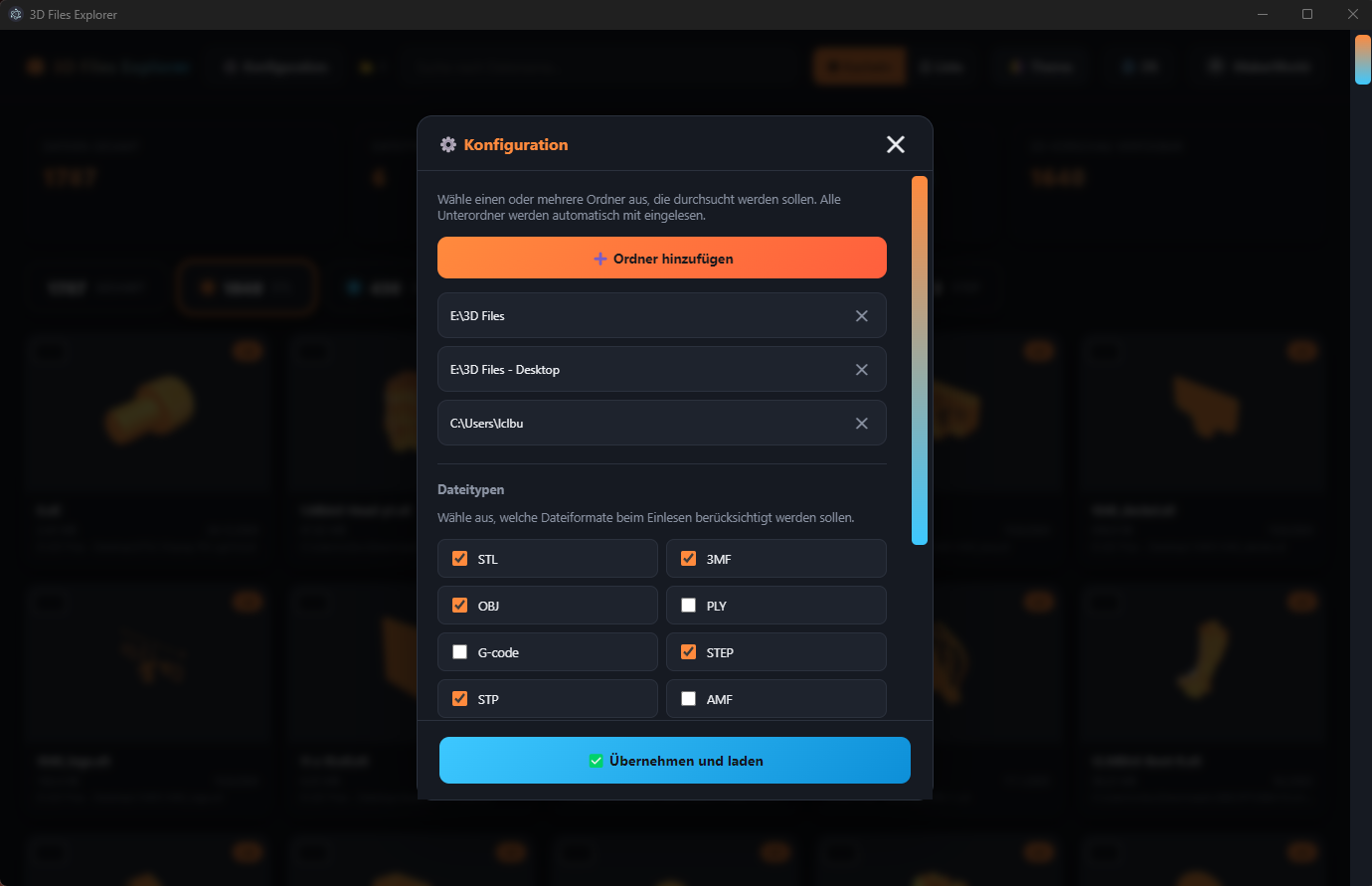
Automatically scans any number of folders including all subfolders – no matter how deeply nested your collection is.
STL, 3MF, OBJ, STEP, and more are rendered automatically – instantly recognizable without opening each file individually.
Once generated, thumbnails are stored locally – the next time you open the app, everything loads noticeably faster.
Decide via checkboxes exactly which formats get scanned – STL, 3MF, OBJ, PLY, G-code, STEP, AMF, FBX and more.
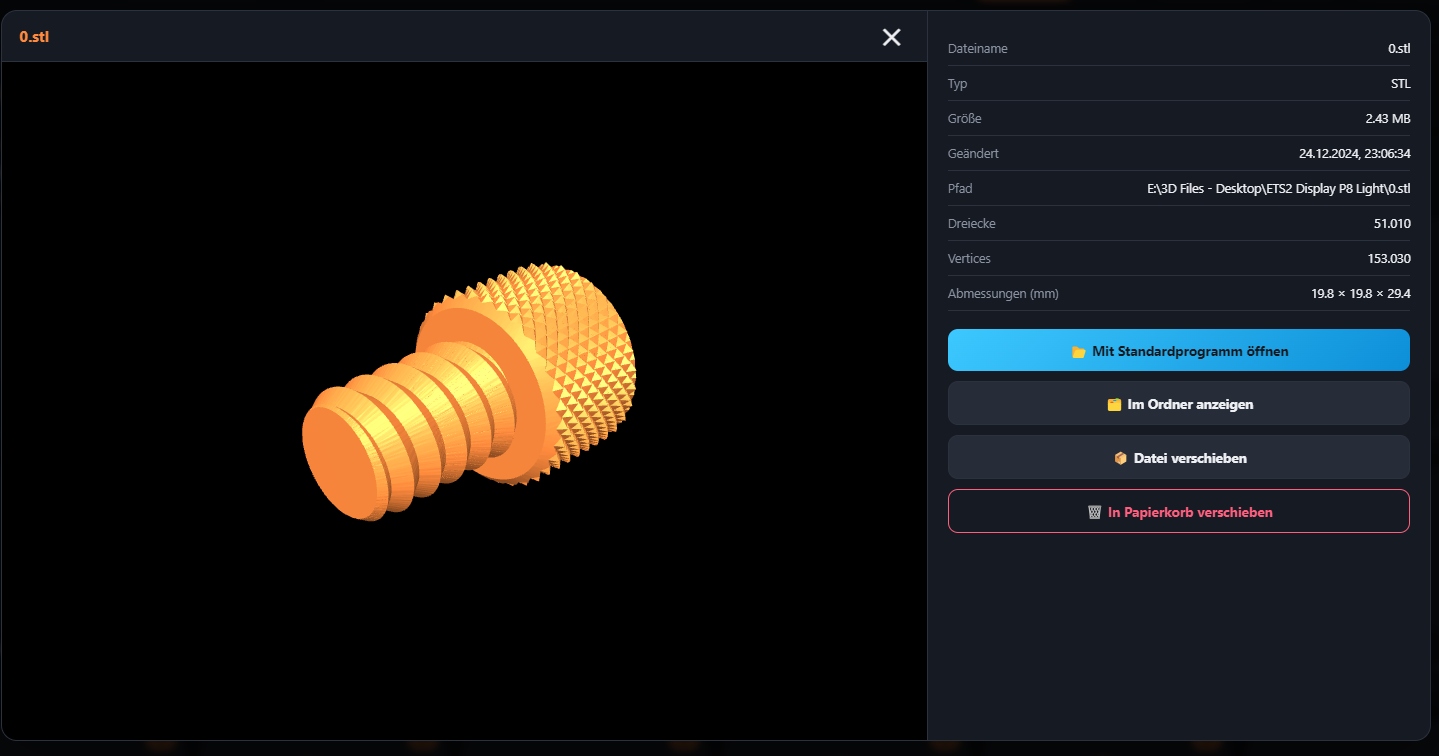
Rotate, zoom, and inspect models directly inside the app – including file info like triangle count, vertices, and dimensions.
Move files straight to the recycle bin or relocate them to other folders – no detour through Windows Explorer needed.
Select multiple files via checkboxes at once and move or trash them in a single step – perfect for cleaning up large collections.
A clean, modern interface in dark and light mode – fully bilingual on request.
All your files clearly sorted, with stat cards for total count, file types, storage size, and number of available 3D previews.
Every model can be rotated and inspected directly in the app – with all key metadata at a glance.
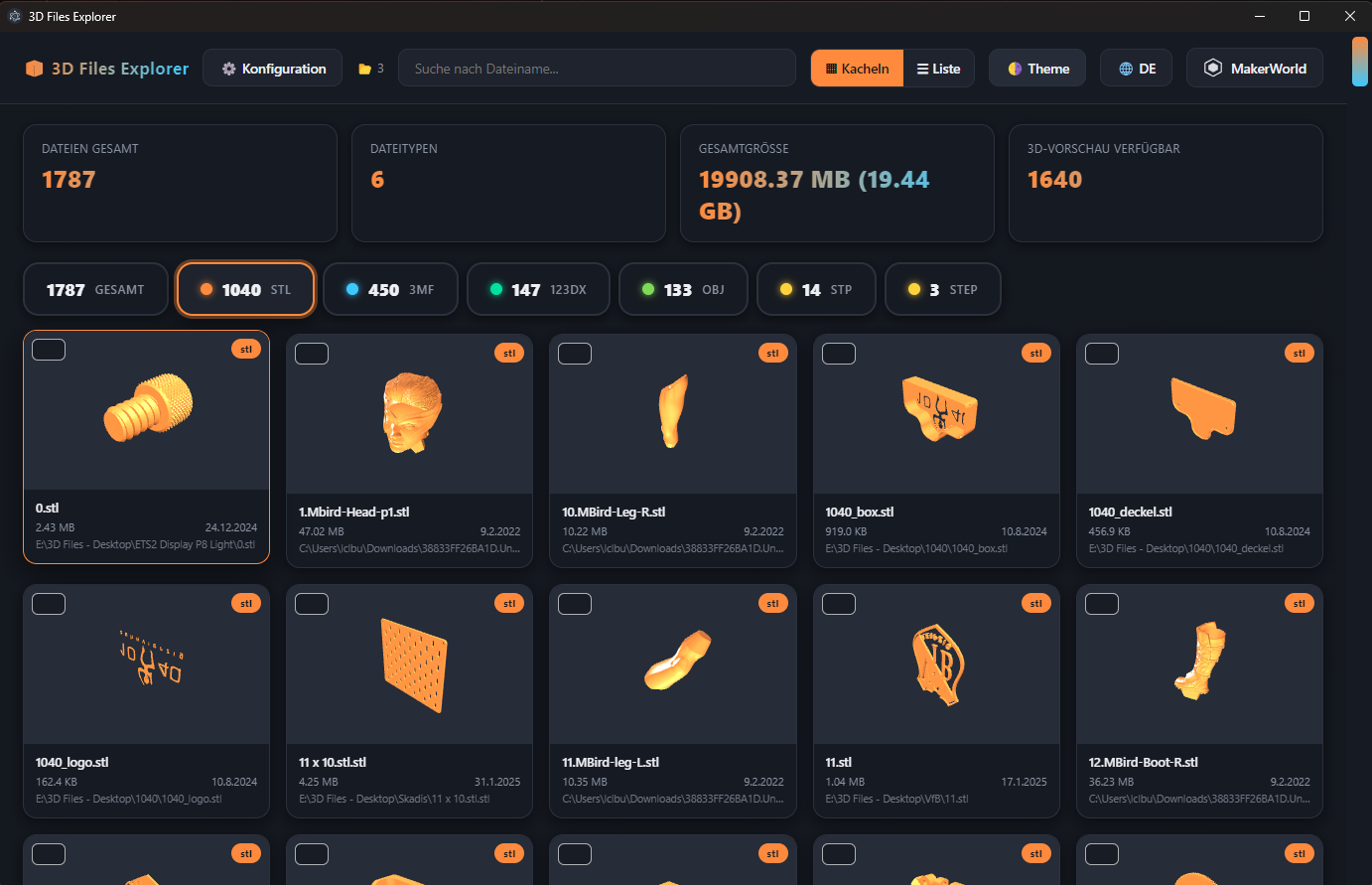
Choose exactly the folders and file types you care about, and keep an eye on the thumbnail cache at all times.
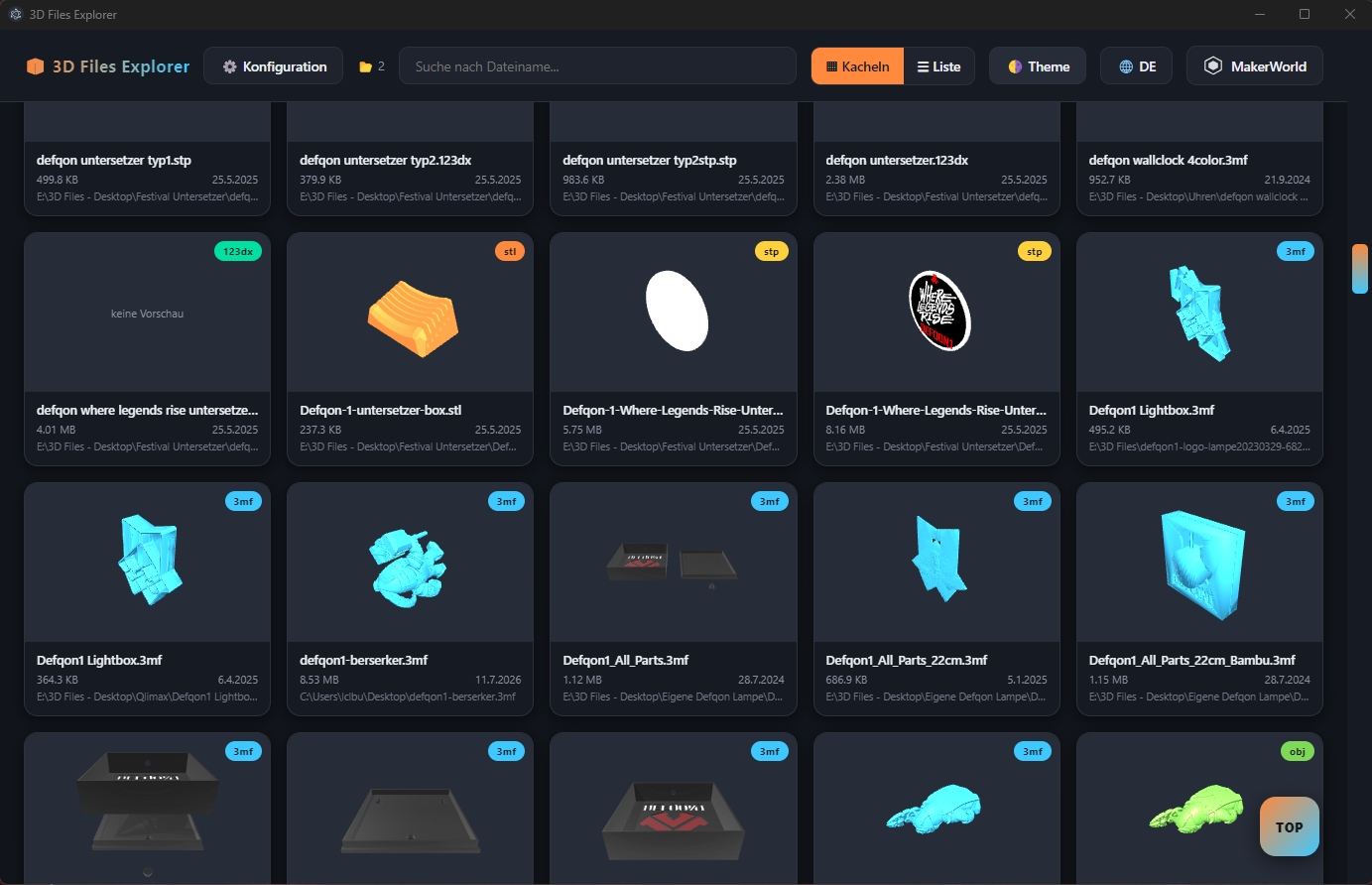
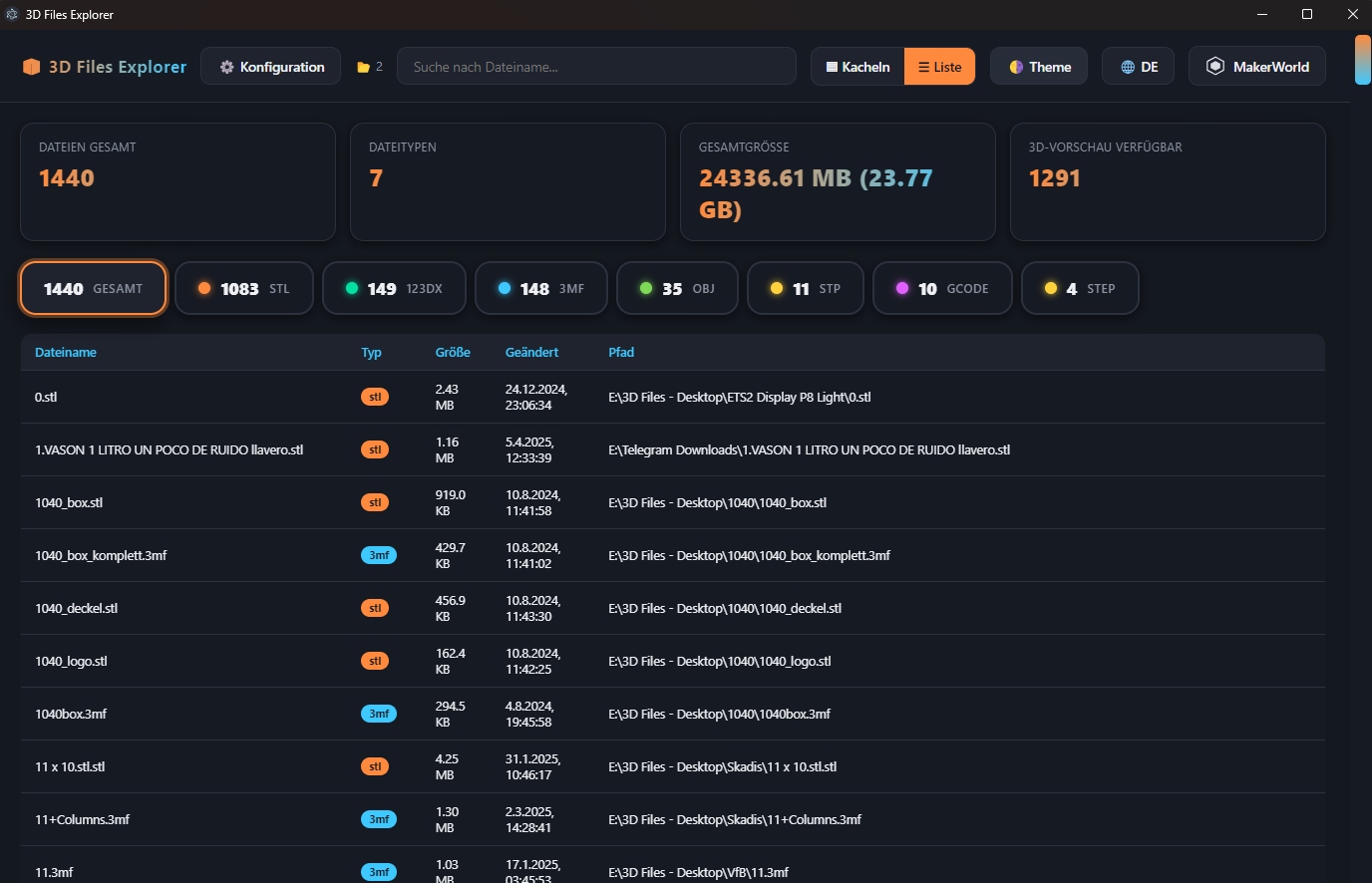
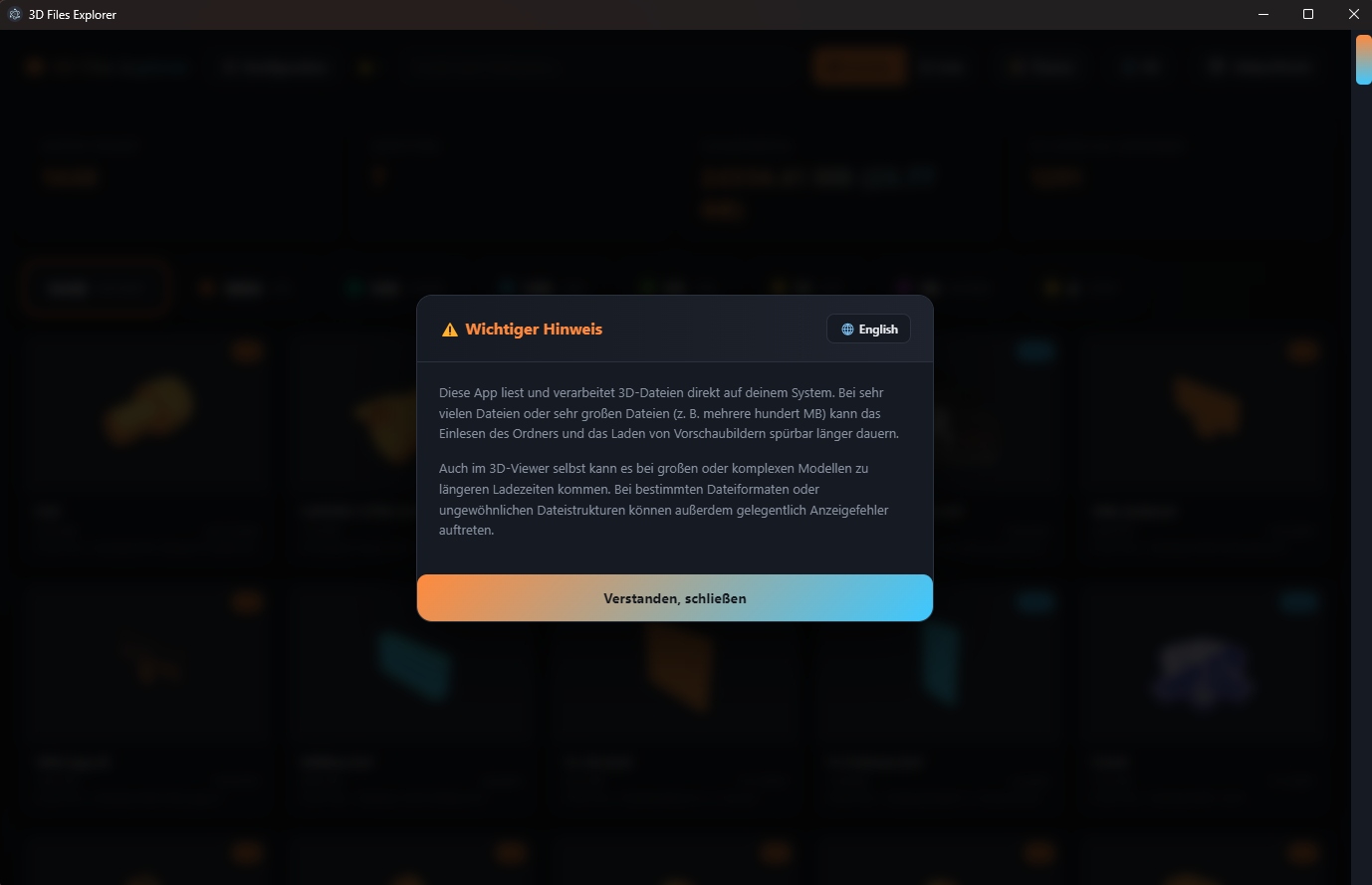
Full transparency – the app runs entirely locally, your files never leave your computer.
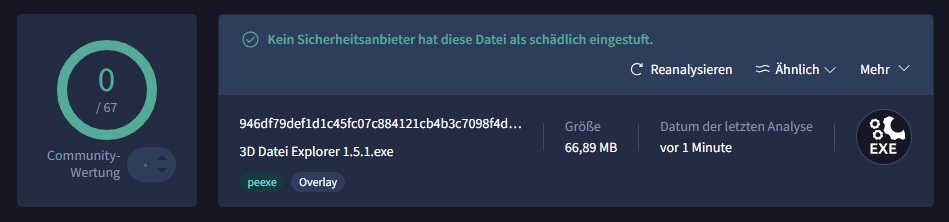
The current version was scanned by 67 different antivirus engines on VirusTotal – with zero detections. 3D Files Explorer processes your files exclusively on your local system and sends no data to external servers.
Freeer Download – keine Registrierung, keine Werbung, keine versteckten Kosten.
⬇️ Download 3D Files Explorer 3D Files Explorer